


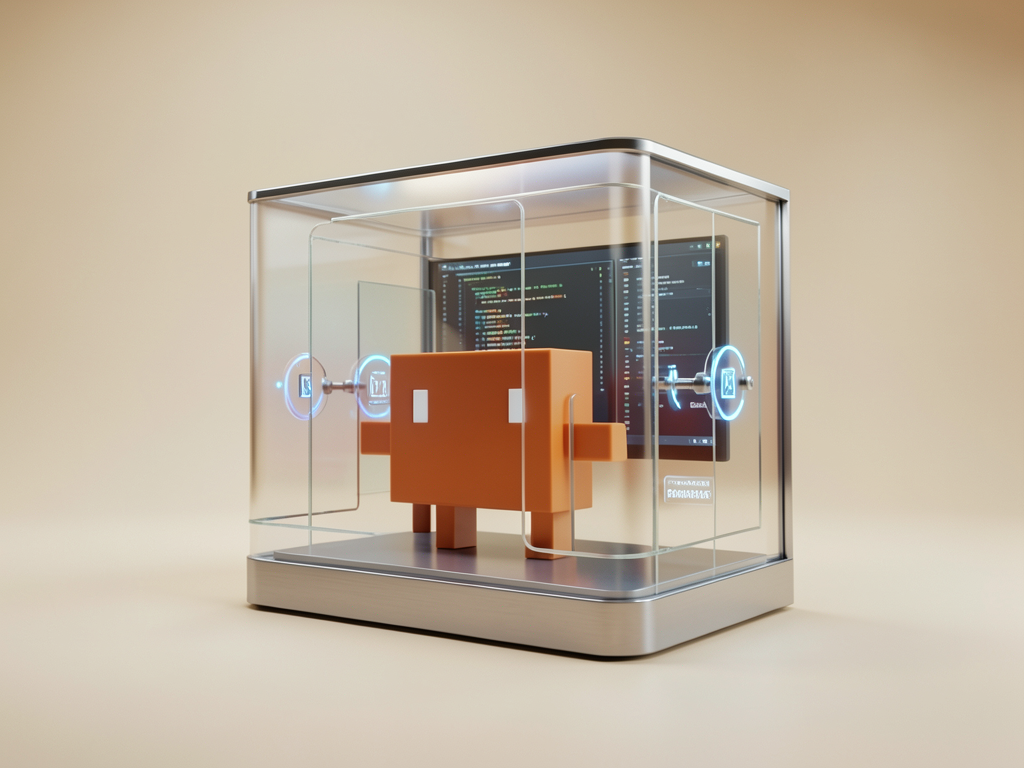
Claude Code Security: Treat AI Like an Untrusted Contractor
Let’s be real: The moment you give an AI agent access to your codebase, terminal, and git history, you’ve fundamentally changed your security model. You aren’t just “writing code” anymore; you’re managing an employee who is incredibly fast, prone to occasional hallucinations, and has no innate sense of your company’s internal security policies.
At FutureFormDigital, we don’t believe in “set-and-forget” security. We believe in resilient workflows. If your security relies on “trusting the AI,” you’ve already lost. Security in an AI-augmented world is about governance, verification, and maintaining a strict “Human Firewall.”
The Security Paradigm Shift
Most security advice for AI focuses on fear-mongering—”Is your code being trained on?” or “Will it leak your secrets?” While those are valid concerns, the real risk is operational: unintended code changes, unauthorized tool execution, and prompt-injection-driven side effects.
You need to shift from passive trust to active management.
Understanding Your Threat Model
When you run Claude Code, you are effectively providing it with a set of permissions. Understanding these risks is the first step toward managing them.
| Risk | What it is | How to Mitigate |
|---|---|---|
| Code Injection | Agent introduces vulnerabilities into your code. | Mandatory Human Review (The Human Firewall). |
| Data Leakage | Agent inadvertently sharing code snippets. | Use “Privacy Mode” and strict CLAUDE.md rules. |
| Tool Abuse | Agent running malicious bash commands. | Strict permissions config; never auto-approve !. |
| Hallucinated Deps | Agent suggesting malicious/non-existent libs. | Audit dependency additions (package.json). |
| Prompt Injection | Third-party code influencing the agent’s behavior. | Never blindly prompt against untrusted input. |
[!IMPORTANT]
Git is your ultimate security tool. Because Claude Code operates on your filesystem, Git is not just a versioning tool—it’s your rollback mechanism. If the agent makes a change that breaks security,git checkout .is your best friend.
Building Your Human Firewall
How do you stay fast and safe? You build a workflow that enforces security by default.
1. CLAUDE.md as Policy
Don’t just document your tech stack in CLAUDE.md; document your security policy.
- “Never commit secrets or API keys.”
- “All changes must be testable via
npm test.” - “Do not add dependencies without explicit approval.”
2. The Permission Gatekeeper
Claude Code asks before it makes changes. Stop clicking ‘Yes’ by reflex.
Treat every prompt to execute a file modification or a bash command as a mini-code-review. If you don’t know exactly why the agent is running rm -rf or adding a new package, stop and interrogate it.
3. The “Review-on-Commit” Standard
Never authorize an autonomous merge. If you’re using Claude Code to handle a task, verify the resulting diff as if it were submitted by a human developer you don’t fully trust.
[!TIP]
Automate the audits. Configure your CI pipeline to run/security-review(or equivalent third-party tools like Snyk) on the branch before you allow the PR to be merged.
FutureFormDigital Insight: Our Recommendation
The AI industry wants you to believe that AI security is a “product feature” they’ve solved for you. They haven’t.
Our opinionated recommendation: Treat Claude Code as an untrusted third-party contractor.
You would never give a contractor root access to your production servers, and you shouldn’t give an AI agent free rein over your filesystem without guardrails.
- Use version control (Git) for every single interaction.
- Mandate human review for every diff.
- Treat your
CLAUDE.mdconfiguration as a hardened security policy.
If you treat it like an untrusted contractor, you’ll build better, safer, and more resilient code.
FAQ: Frequently Asked Questions
1. Is my code used to train Claude?
Generally, Anthropic’s enterprise and API-based plans (which Claude Code uses) do not use your data for model training. Always check the current enterprise privacy policy to be 100% sure.
2. Can I run Claude Code entirely offline?
No. It needs to communicate with Anthropic’s servers for the AI processing. If your project is strictly air-gapped, this tool is not suitable for your workflow.
3. What if Claude introduces a security vulnerability?
That’s on you, the developer. Claude is a tool, not a security engineer. You are responsible for auditing all code before it is merged.
4. How do I stop Claude from touching env files?
Explicitly add a rule in CLAUDE.md: “Do not read, modify, or interact with .env files or secret management configs.”
5. How do I restrict Claude’s terminal access?
Use the /permissions command to whitelist only the tools and directories the agent absolutely needs. Default to “deny all.”
6. Does “Privacy Mode” work?
It minimizes the data sent, but you should still practice “Context Hygiene.” Never feed the agent actual customer PII, secrets, or internal proprietary logic that shouldn’t leave your environment.
7. Can I use it for pen-testing?
While it can identify vulnerabilities (like SQL injection), it is not a dedicated pen-testing tool. Use it as part of a broader security strategy, not as a replacement.
8. What’s the most common security failure?
Blindly running npm install for dependencies the agent suggested without checking if those dependencies are legitimate, well-maintained, and necessary.
9. Are my API keys safe?
Store them as environment variables, not in your project folder. Never let the agent read your API key files.
10. What if my team ignores these rules?
Enforce them through CI/CD gates. If the code quality or security doesn’t pass the gate, it doesn’t ship. Process is the only way to enforce security at scale.
What is the one security guardrail you’ve implemented that made you feel significantly more comfortable using AI in your production codebase? Let’s discuss your “Human Firewall” tactics in the comments below!
About The Author


